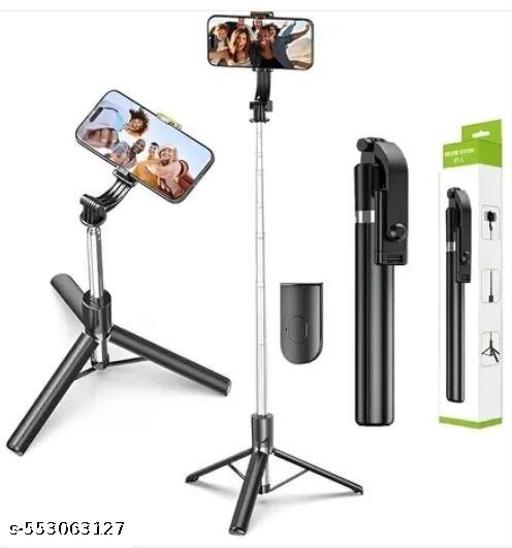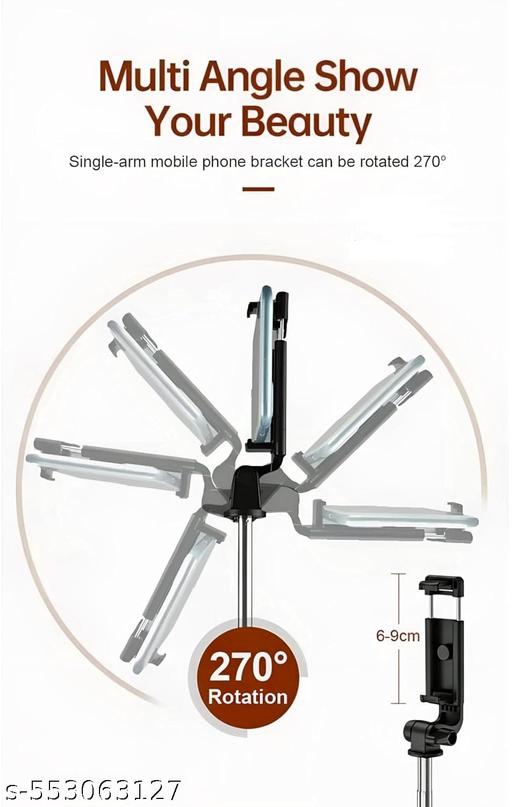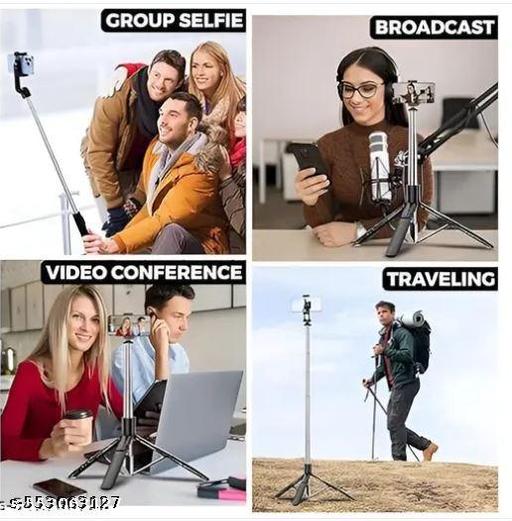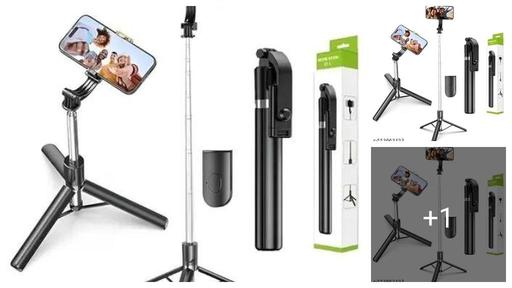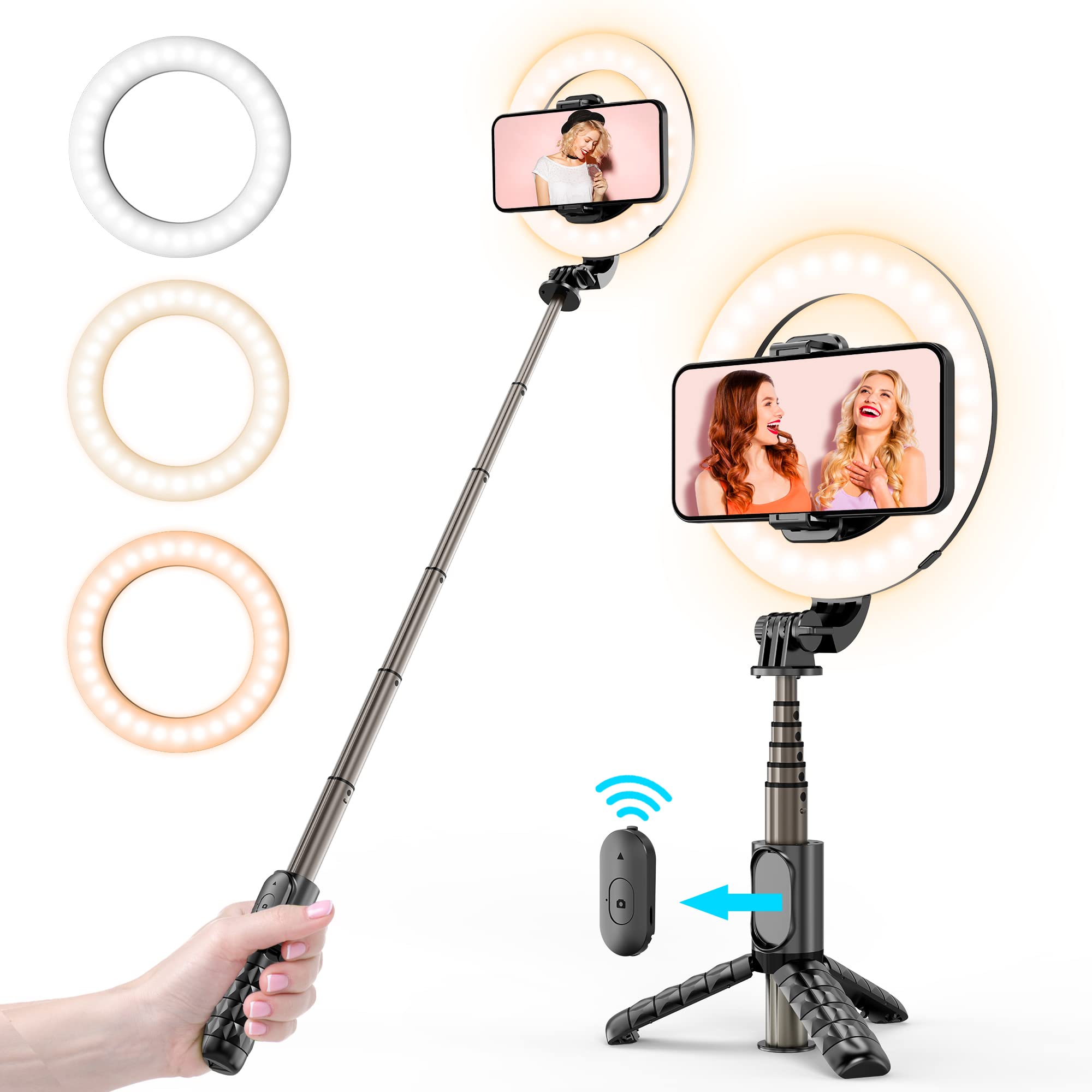


R1L Multi-Purpose Tripod – Universal Stand for Photography, Vlogging Tripod
₹ 496.8
₹ 621
20% OFF
0

People are viewing this right now

Size: Free Size
Quantity
- +

Estimate delivery times: 4-8 days (India),

Return within 3 days of purchase. Duties & taxes are non-refundable.

Guarantee Safe
Checkout

R1L Multi-Purpose Tripod – Universal Stand for Photography, Vlogging Tripod
  • Description
  • Additional Information
  • Review
  • Shipping
  • Return Policies
Name: R1L Multi-Purpose Tripod – Universal Stand for Photography, Vlogging Tripod R1L Multi-Purpose Tripod – Universal Stand for Photography, Vlogging Tripod

Net Quantity (N) : 1

Generic Name : Selfie Stick

Product Height (cm) : 5

Product Length (cm) : 32

Product Width(cm) : 4

Country of Origin : India

4.9

(250 Ratings)
5
219
4
28
3
3
2
0
1
0
Cancel Review
Write a review
250 Comments
SagorikaGhosh
3 weeks ago

Good

Pragati Sadaphule
2 months ago

Nice Very good Quality product like it !!! But the Delivery man Not Giving proper Home Delivery and thats true of Triffystore Delivery man !!!

Sima Das
3 months ago

I'm a bit disappointed because of the delivery but the packaging and the product is outstanding ☺️ so premium packaging and value for money I can guarantee you that it will be your best purchase from Triffystore btw if you wanna see the full review go to youtube channel @art by soumili or Insta channel @anime_oasis_.16🥰

Jit Patra
4 months ago

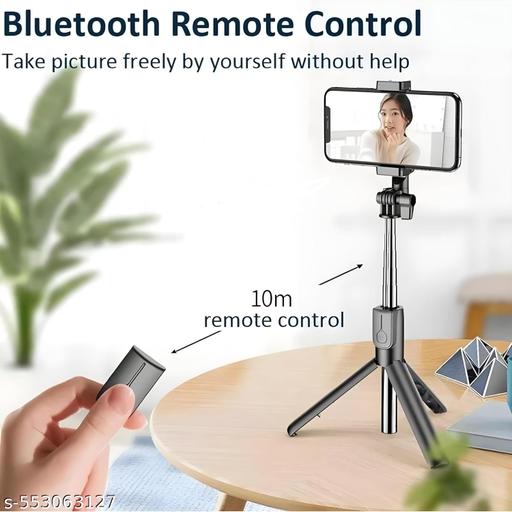
It's very good product, it's awesome, this Product is valu for Money. This selfie stick minimum Height :- 40cm maximum Height :- 167cm (****)With it, a small camera-shaped switch is available. The switch can be connected to the phone with the help of this Bluetooth. By long pressing the switch, the switch will turn on and a blue color light will blink. That means you have to understand whether the Bluetooth device is turned on, then you will turn on the Bluetooth of your phone and go to search device, then there will be a Bluetooth called Selfie on the surge device. There, the Bluetooth that will come with the name of that Selfie will be connected by touching the switch of the selfie stick once. Then whenever you turn on the camera of your phone and press the switch that looks like that camera, a picture will be clicked and you can turn the video on and off from that switch. After that, you can also see how much charge is in that switch through Bluetooth on your phone. Now you have turned on the switch, now how to turn it off? Again, in the same way, you will long press the switch, then the switch will be powered off

Axa h

Gajanan Awale
1 day ago

Nice

Vennila Nila
1 day ago

Good

Unknown User
1 day ago

Thank you

👌👍🏻👍🏻

Nirmala Ch
2 days ago

Nice

Write a review: